Everything you save,
always within reach.
Stop hunting through folders and camera rolls. Kelu hands back the exact screenshot, image or reference you need — the second you think of it.
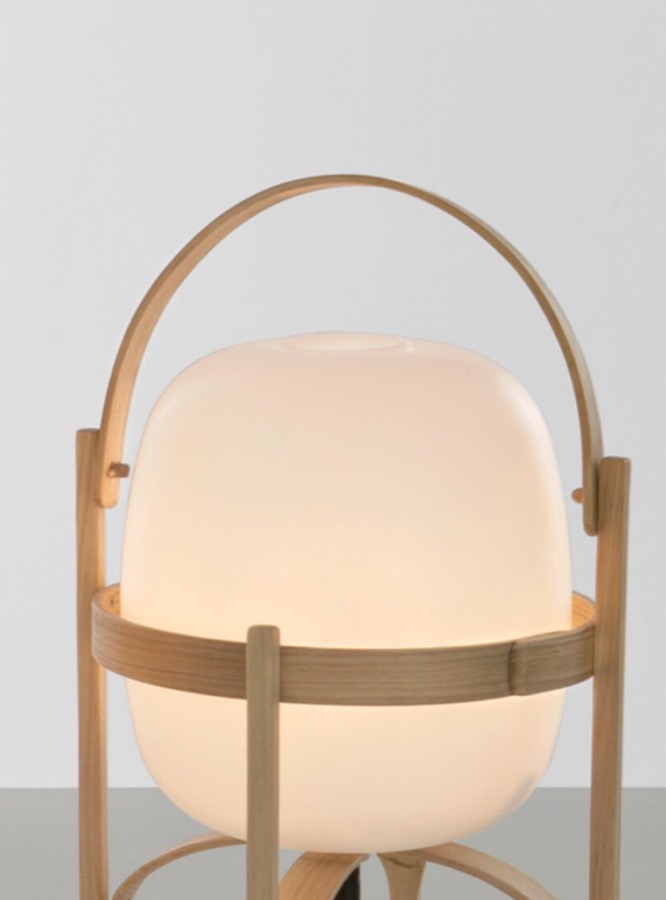 #lighting
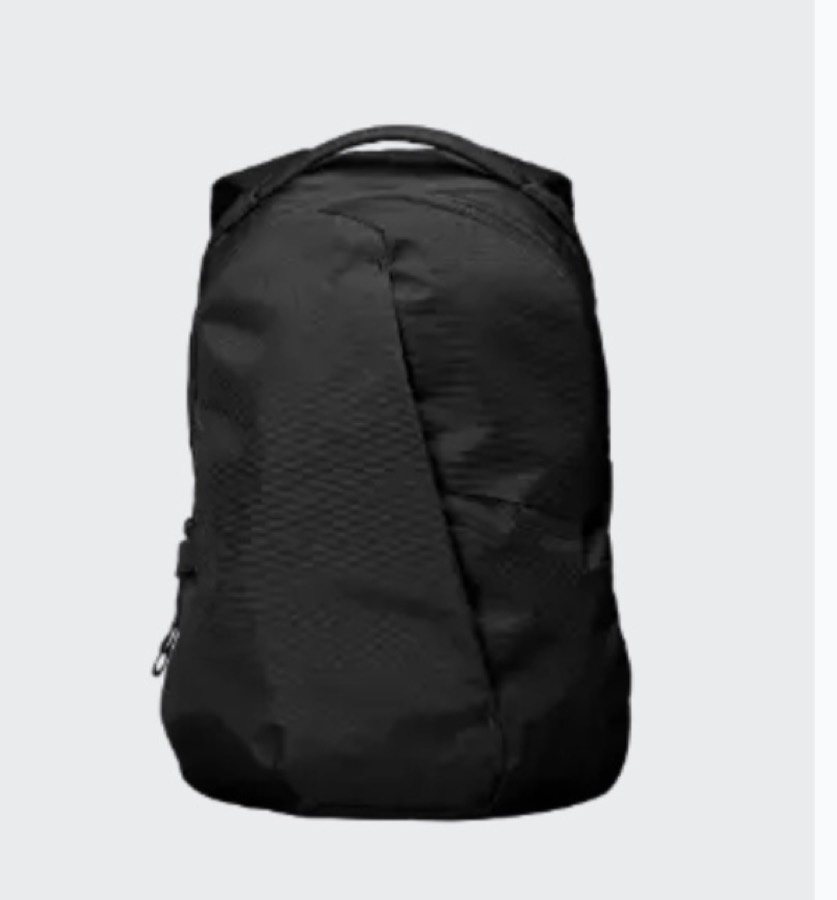 #edc
#edc #interior
 #edc
#edc #lighting
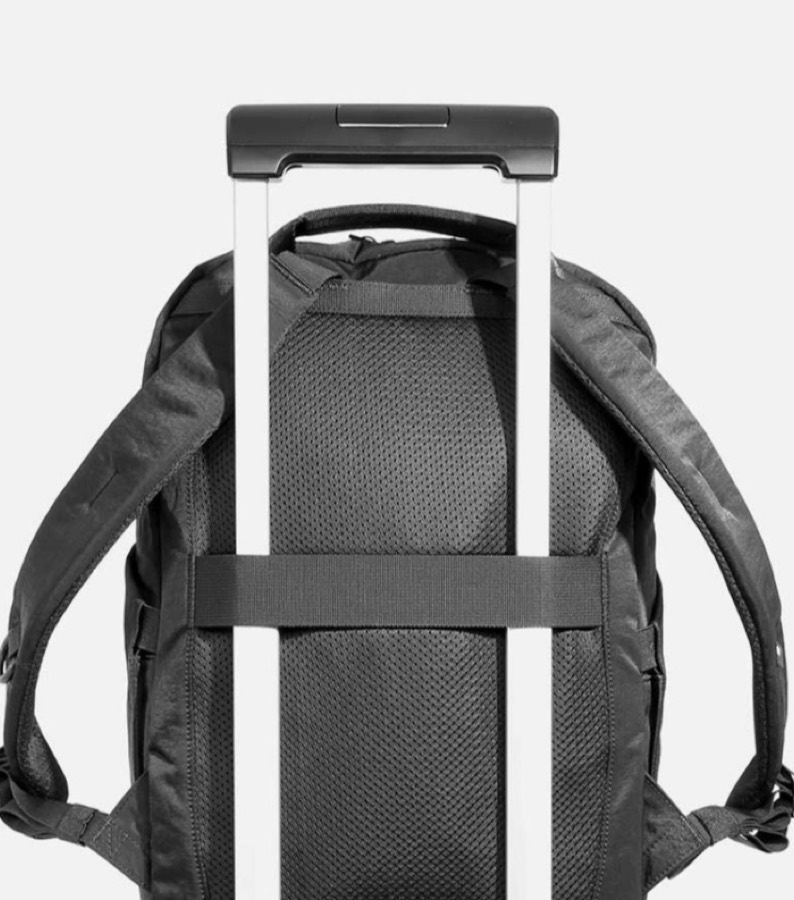 #travel
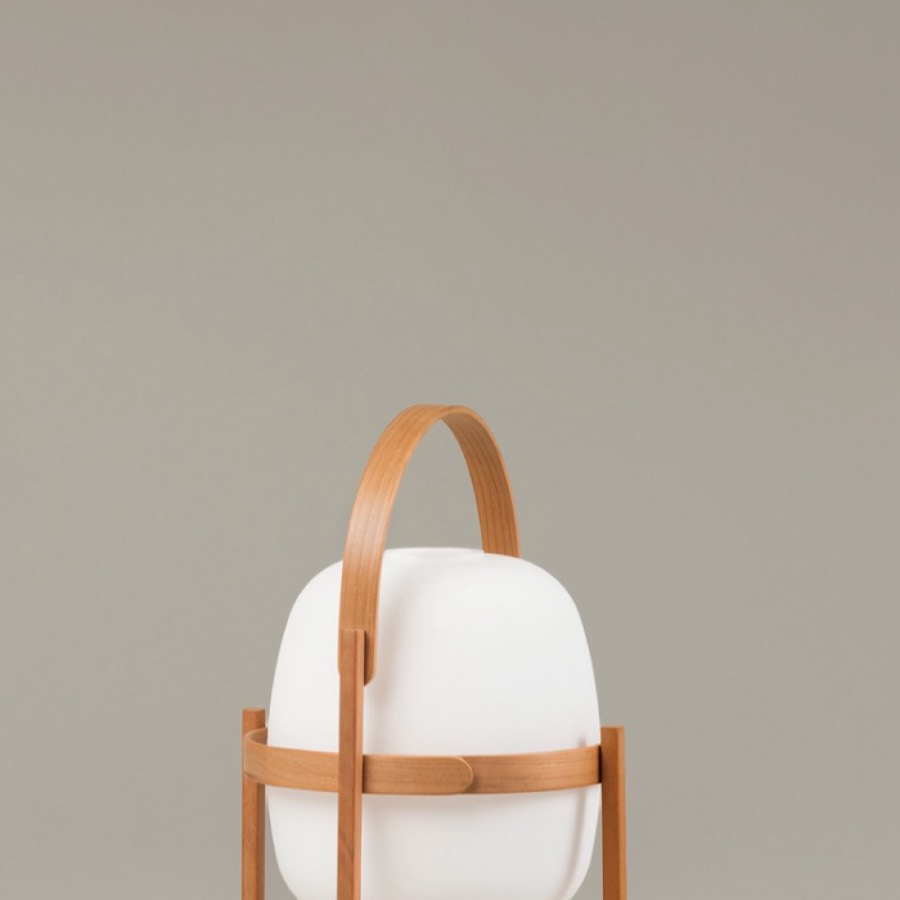
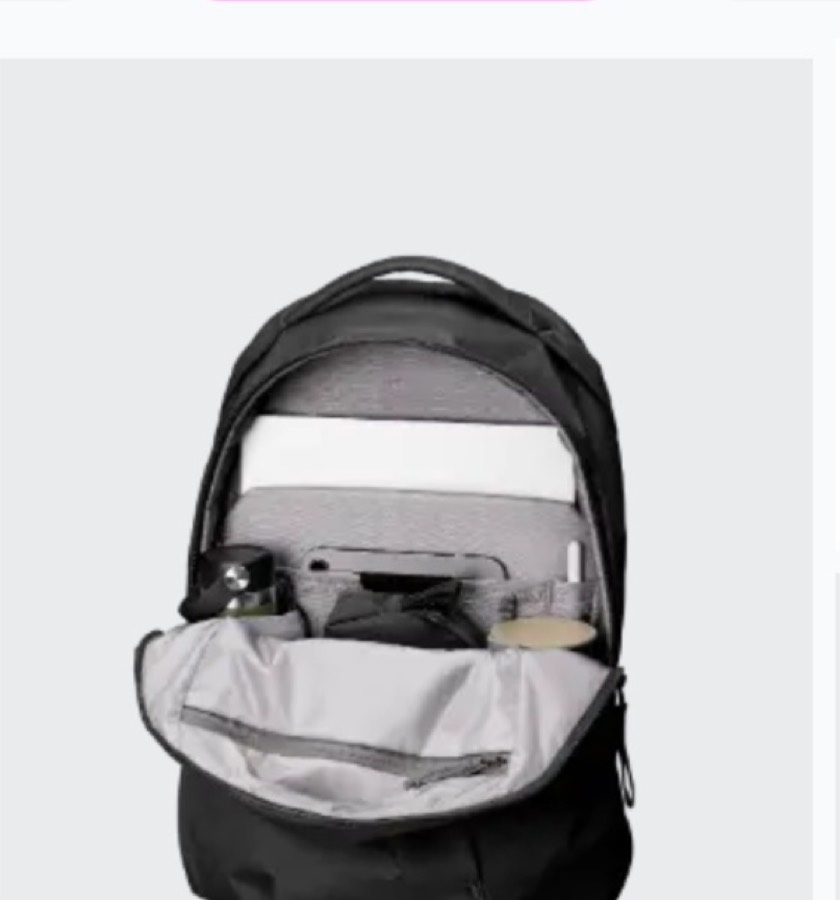
The references you'd normally lose in a camera roll — bags, lighting, type, colour — all still here the day inspiration strikes.

Three steps. Then never think about it again.
Capture it without thinking.
Screenshot, share sheet, drag off your Mac, or clip from the browser — it's saved before you lose your train of thought.
Forget about folders.
No filing, no hierarchy to maintain. Give it a word or two and move on — Kelu remembers the rest for you.
Find it in seconds.
Type a word, stack a couple of tags, and the exact thing surfaces — months later, without the digging.
Whatever you saved is wherever you are.
Save on your phone, pull it up on your Mac, share it from the web. Your whole library follows you — nothing stranded on the other device.
Storage is the only thing you pay for.
Every feature is on every plan — tags, sync, all three apps. Pick the size that fits your library today and change it whenever it grows.
A focused library for one project or one kind of thing.
- Every app — iOS, macOS & the web
- Unlimited tags, folders & libraries
- Background sync across all your devices
The sweet spot for an everyday reference habit.
- Every app — iOS, macOS & the web
- Unlimited tags, folders & libraries
- Background sync across all your devices
Years of screenshots and scans with room to spare.
- Every app — iOS, macOS & the web
- Unlimited tags, folders & libraries
- Background sync across all your devices
Every plan starts with a free 7-day trial — 2 GB, no card required. Your library is never deleted when a trial or plan ends; it just goes read-only until you upgrade.
Everything people ask before trying Kelu.
What is Kelu?
Kelu is a cloud library for the images you save — screenshots, design references, product shots, anything visual. You drop images in, describe each one with a few tags, and the same searchable collection is on your iPhone, your Mac, and the web. It replaces the camera-roll scroll and the folder maze with one place that's actually findable.
What can I save in Kelu?
Kelu is built around images: screenshots, photos, and pictures saved from the web. Each item keeps a name, your tags, an optional note, and the source link it came from, so months later you know what it is and where you found it.
Which platforms does Kelu run on?
Kelu has an iPhone app, a Mac app, and a web app, all showing the same library. Save from the iOS share sheet, drag images onto the Mac app, or upload in the browser — everything syncs in the background.
Is Kelu free?
Yes — your first 2,500 items are free, with no card required. That's enough to move a real reference collection in and live with it across your devices before deciding on a paid plan.
Do I have to use tags, or are there folders too?
Both. Tags are the backbone — an image can carry as many as you like, and combining tags filters the library down to exactly what you meant. Folders are there when a project wants a tidy container, and you can order them by hand.
How is Kelu different from Pinterest?
Pinterest is a social feed that mixes your saves with recommendations, ads, and other people's boards. Kelu is a private library: it holds only what you put in it, there's no algorithm deciding what you see, and nothing is public unless you choose to share it.
How does Kelu compare to Eagle or mymind?
Eagle is a powerful local desktop app — its library lives on one computer, and syncing is left to you. mymind is a cloud memory tool that leans on AI instead of organization. Kelu sits between them: a tag-first library like Eagle's, but cloud-native with real iPhone, Mac, and web apps. We keep honest side-by-side comparisons on the site if you're weighing a switch.
Go deeper
How to Organize Design References (Without Losing Them Again)
A practical system for collecting, tagging, and actually finding design references across your phone and computer.
Tags vs Folders: A Better Way to Organize References
Folders force one home per image; inspiration doesn't work that way. Why tags win for visual libraries.
The Best App to Organize Screenshots (iPhone, Mac, Web)
Screenshots pile up on every device. The apps that tame them, compared honestly.
How to Build a Tagging System for Screenshots
A small, low-maintenance tag vocabulary that keeps thousands of images findable.
A quiet note, once a month.
What we're building, the occasional reference-library teardown, and new releases when they ship. No marketing, unsubscribe in one click.